
Description
Design with Precision: Master the Fundamentals of Canva for Professional Results
Have you ever created a design in Canva that felt just a little off? The spacing was awkward, the text was misaligned, or the overall layout lacked the polish of professional work? The difference between an amateur and a pro designer is not the tool, but the understanding of core design principles. You can have access to every feature, but without the foundational skills, your designs will not have the impact you need.
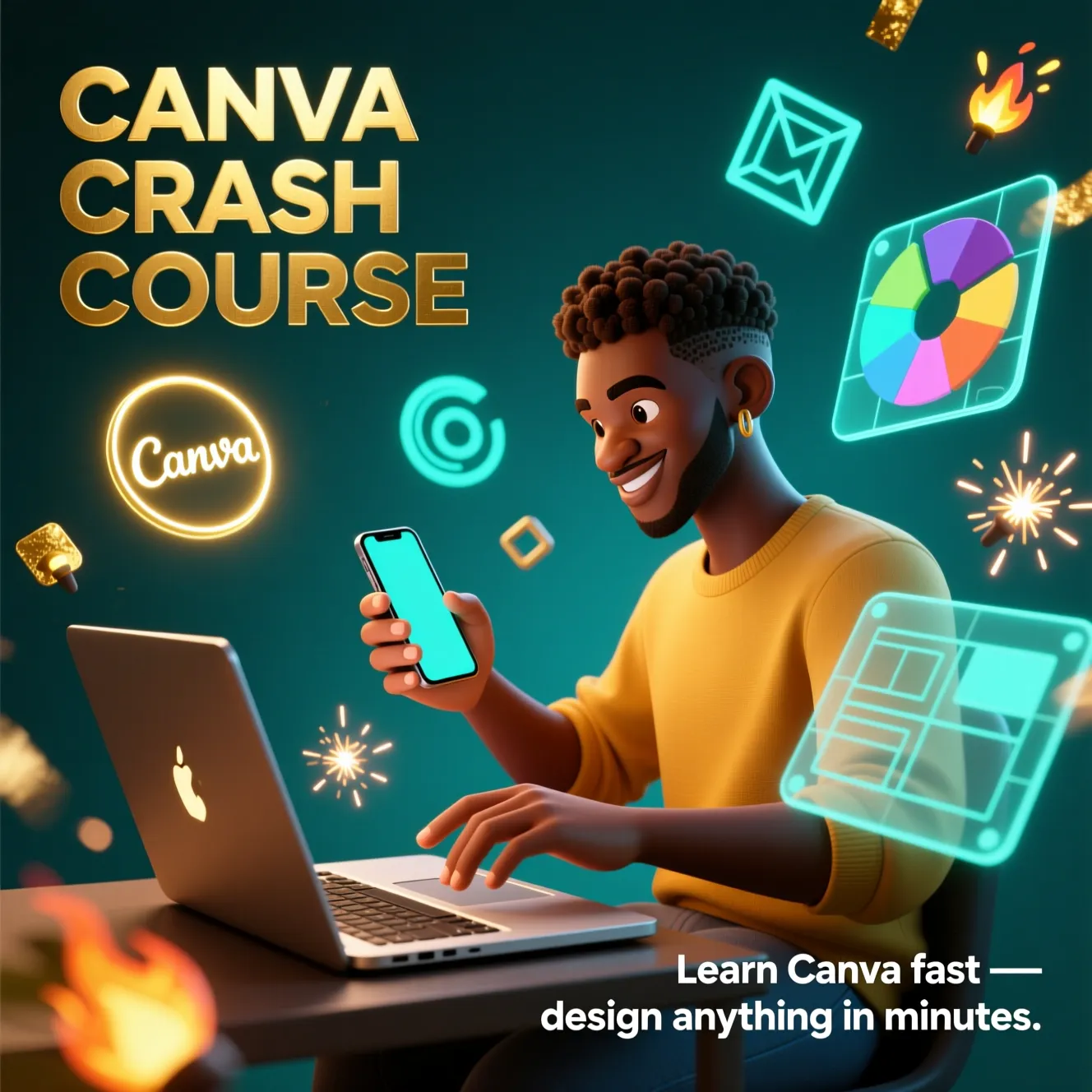
This is the Canva course that other courses skip. We go deep into the mechanics of great design. This is a systematic training that focuses on the “why” behind the “how,” teaching you the essential skills of alignment, spacing, typography, and color theory directly within Canva. This is not about just making designs, it is about making designs that work.
Build Your Skills from the Ground Up with a Methodical Approach
This course is structured to build your competence and confidence one block at a time. We start with the absolute basics and progress to advanced features, ensuring you master each concept.
Your Path to Canva Mastery:
Phase 1: The Foundation & Interface
- Setting up your account and understanding the difference between Free and Pro versions.
- A thorough introduction to the Home Screen and interface, so you can navigate with speed and confidence.
Phase 2: Core Design Principles in Practice
- Precision Design: Master positioning, spacing, and the use of rulers and grids to create balanced, professional layouts.
- Text & Object Mastery: Learn professional text alignment, efficient selection and grouping, and object stacking to manage complex designs with ease.
- Efficiency Tools: Utilize locking, snapping, and templating to speed up your workflow dramatically.
Phase 3: Working with Assets & Advanced Features
- Navigate free vs premium elements and use the Magic Search box to find exactly what you need.
- Unlock powerful features like PDF import and editing, and resizing designs for all platforms with a single click.
Phase 4: Color, Typography & Visual Hierarchy
- Advanced Color Theory: Learn to work with filter codes, color grading, and change color schemes globally across your project.
- Strategic Typography: Go beyond choosing fonts and learn strategies for pairing and using type to create hierarchy and emotion.
- Powerful Layouts: Use grids and frames to create compelling visual structures for your photos and graphics.
Phase 5: Practical Projects & Real World Application
- Apply everything you have learned in hands on projects, including creating a LinkedIn banner, Facebook cover photo, resume, and social media posts from scratch.
- Learn to animate your designs and organize your assets for maximum efficiency on future projects.
- Reinforce your learning with practice exercises and challenges that include solutions.
Why a Fundamentals Course is Your Best Investment
Skimming the surface of Canva creates a fragile skillset. Mastering the fundamentals creates a solid foundation that will make every design you create for the rest of your life better, faster, and more effective. This course saves you from developing bad habits and empowers you to create work that stands shoulder to shoulder with that of professional designers. The precision and efficiency you gain will save you countless hours of frustration.
This is the training that turns a casual user into a confident creator.
Who Is This Course For
- Absolute beginners who want to start their design journey on the right foot with professional habits.
- Current Canva users who feel their designs lack polish and want to understand the principles behind great visuals.
- Virtual Assistants, Social Media Managers, and Marketers who need to produce high quality graphics efficiently.
- Entrepreneurs and small business owners who are determined to build a professional and cohesive brand identity themselves.
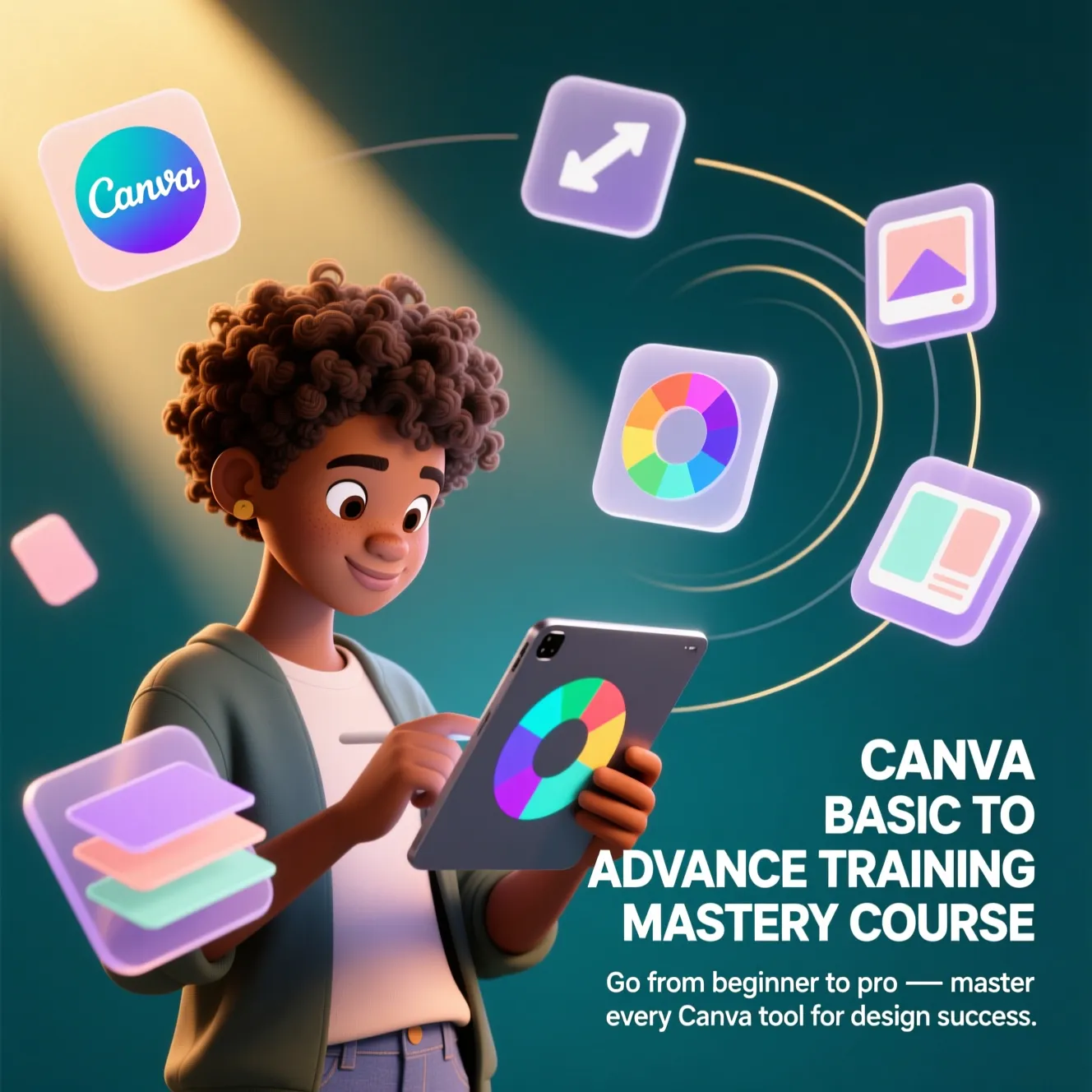
Stop feeling limited by your design skills. Build an unshakable foundation. Enroll in the CANVA BASIC TO ADVANCE TRAINING MASTERY COURSE and start creating designs that look like they were done by a pro.