Description
Git & GitHub for Beginners: Stop Losing Code, Start Collaborating Confidently
Every professional developer uses Git—but most tutorials drown you in theory before you’ve even committed your first file. This course flips the script: you’ll learn by doing, fixing real-world problems like “I broke my code—how do I go back?” and “How do I work with a team without overwriting their work?”
What You’ll Master
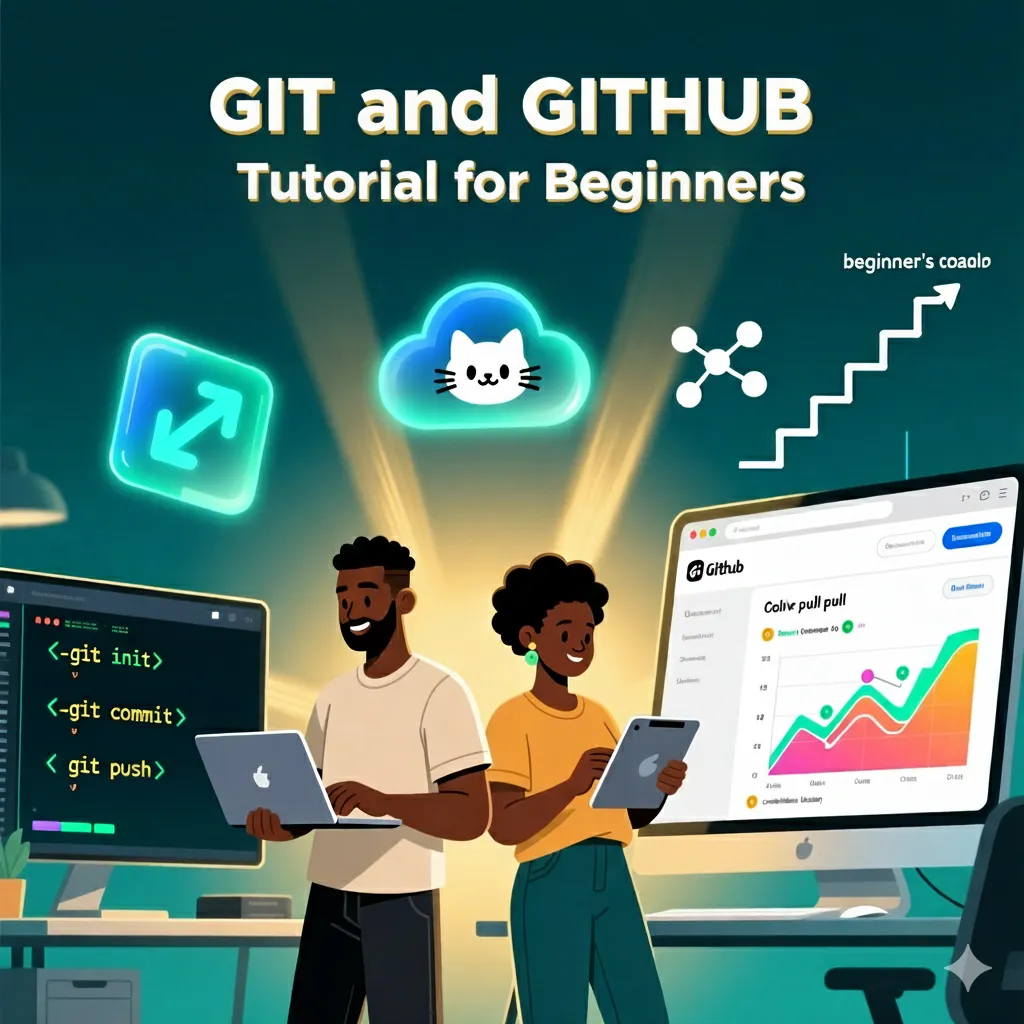
- Core Git workflow—init, add, commit, push, pull
- Branching & merging—experiment safely without breaking main code
- Resolving merge conflicts—the #1 fear of new Git users
- GitHub collaboration—forks, pull requests, code reviews
- .gitignore—keep secrets and build files out of version control
- Undoing mistakes—reset, revert, checkout like a pro
Real Projects You’ll Simulate
- Contribute to an open-source project on GitHub
- Recover from a “disaster commit” using reflog
- Manage feature branches for a team of 3 developers
- Use GitHub Issues and Projects for task tracking
Why This Course Stands Out
- No terminal fear—we explain every command in plain English
- Visual learning—diagrams show how Git’s internal graph works
- Common pitfalls covered—like accidentally committing node_modules
- GitHub Desktop optional—learn CLI first, GUI later
Who Should Take This?
- Self-taught coders working solo (but ready to collaborate)
- Bootcamp grads preparing for technical interviews
- Students submitting code assignments via GitHub
- Freelancers needing to manage client repositories
Your Career Starts with Version Control
Not knowing Git is the #1 reason junior devs get stuck. This course removes that barrier—so you can contribute from day one.
Stop copying code into ZIP files. Start using the tool every team depends on. Enroll now.